Best Smart Home Devices for Beginners
Getting started with a smart home can feel overwhelming — there are dozens of device categories, three competing ecosystems, and no shortage of products promising to make your house “smarter.” The good news is you don’t need to buy everything at once. A handful of well-chosen devices, added in the right order, can deliver most of the everyday convenience smart homes are known for without a confusing, expensive setup. This guide walks through the best starting devices for beginners, why each one matters, and how to avoid the ecosystem mistakes that make later additions more complicated and frustrating than they need to be.
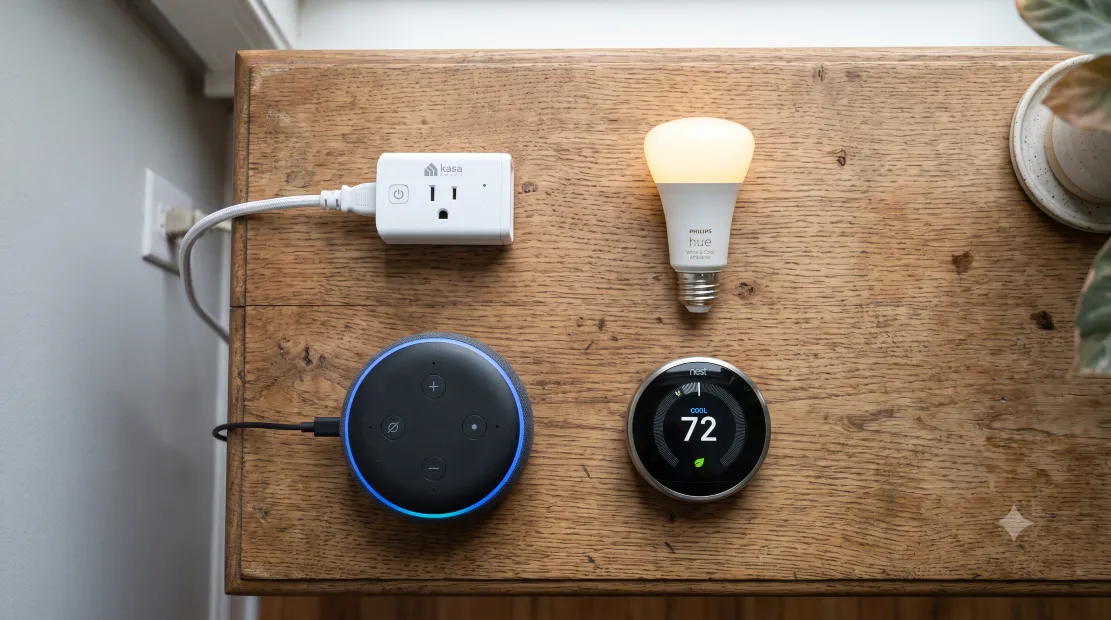
A handful of well-chosen devices deliver most of the everyday value smart homes offer.
⚡ Quick Answer
- Start with: a smart speaker or display, smart plugs, and smart bulbs — the cheapest, easiest entry points with immediate daily usefulness.
- Add next: a smart thermostat and a video doorbell once you’re comfortable with the basics.
- Biggest beginner mistake: buying devices across incompatible ecosystems before picking one platform (Alexa, Google, or Apple) to standardize around.
- Budget for a solid starter kit: $150-$300 covers a smart speaker, a few smart plugs, and a couple of smart bulbs.
Pick Your Ecosystem First
Before buying anything, decide which smart home ecosystem you’ll standardize around: Amazon Alexa, Google Home, or Apple HomeKit. This single decision affects which specific product models you should buy going forward, since while most devices work with multiple platforms, some models and features are ecosystem-exclusive or work noticeably better within one specific platform. If you already own devices from one company — an iPhone household leans naturally toward HomeKit, an Android and Google household toward Google Home — starting there avoids friction. If you have no strong existing preference, Amazon Alexa currently has the widest device compatibility across third-party brands, making it a reasonably safe default for beginners who haven’t yet committed to a particular phone or smart display ecosystem.
1. Smart Speaker or Display: The Control Hub
A smart speaker (or smart display, which adds a screen) serves as the central control point for voice commands and often acts as the hub that other devices connect through. Beyond controlling other smart home devices, it handles music, timers, weather, and general questions — genuinely useful on its own even before you add anything else. This is almost always the right first purchase, since it establishes your ecosystem choice and immediately provides value independent of any other smart home device you add later.
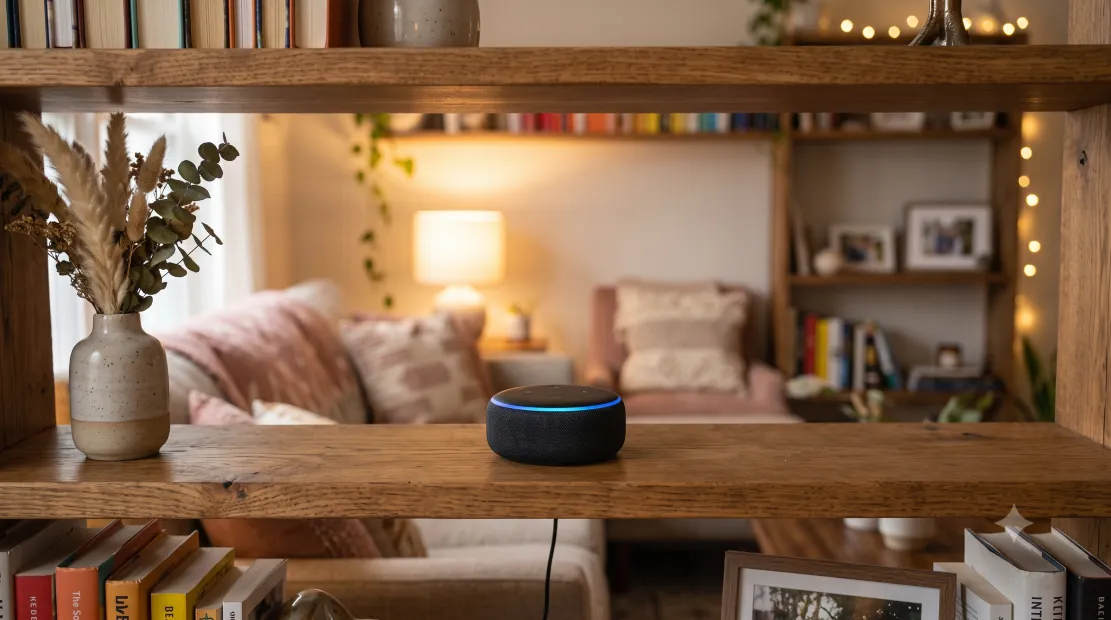
A smart speaker or display typically serves as the control hub for everything else you add later.
2. Smart Plugs: The Cheapest, Fastest Win
Smart plugs are the lowest-cost, lowest-effort entry into home automation — plug one into any existing outlet, connect it to your app, and instantly gain remote and voice control over whatever’s plugged into it, whether that’s a lamp, a fan, a coffee maker, or holiday lights. There’s no installation beyond plugging it in, and the immediate payoff (turning off a lamp from bed, or having lights turn on automatically at sunset) makes it one of the most satisfying first purchases for someone new to the category.
3. Smart Bulbs: Lighting Control Without Rewiring
Smart bulbs screw into any existing fixture and add app and voice control, dimming, and color-changing capability (on RGB models) without any electrical work. They’re a natural pairing with smart plugs for rooms where the lighting is controlled by a wall switch rather than a lamp, though it’s worth noting that a smart bulb loses power (and smart functionality) if someone flips the physical wall switch off — a common beginner frustration worth planning around by using smart plugs for switch-controlled lamps instead where possible.
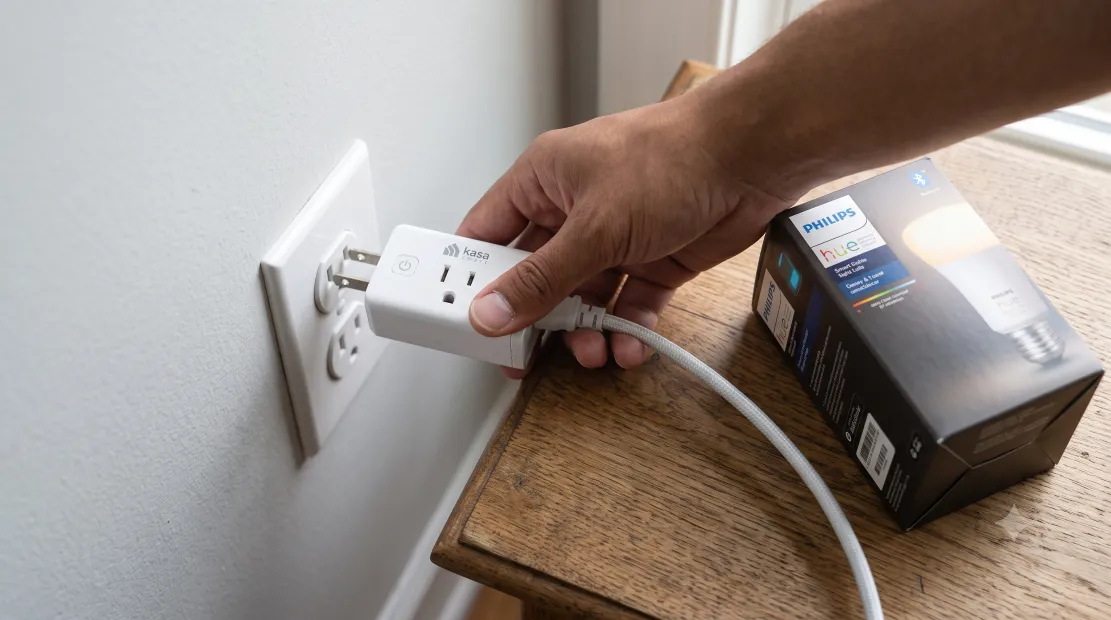
Smart plugs and bulbs require no rewiring, making them the easiest devices to start with.
4. Smart Thermostat: Bigger Investment, Bigger Payoff
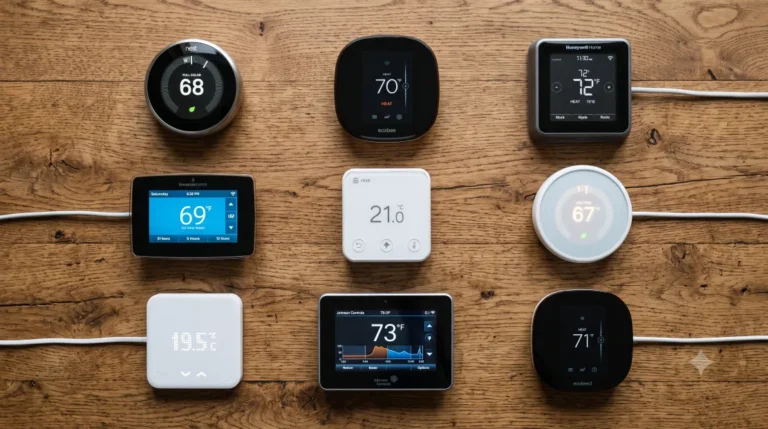
A smart thermostat represents a step up in both cost and installation complexity compared to plugs and bulbs, typically requiring compatibility with your home’s existing HVAC wiring and a bit more setup effort. The payoff is correspondingly larger: automated scheduling based on your actual patterns, remote temperature control, and meaningful energy savings from more consistent, optimized heating and cooling. This is a reasonable second-tier purchase once you’re comfortable with the basics, rather than a typical first device, given its higher cost and installation involvement compared to plug-and-play options.
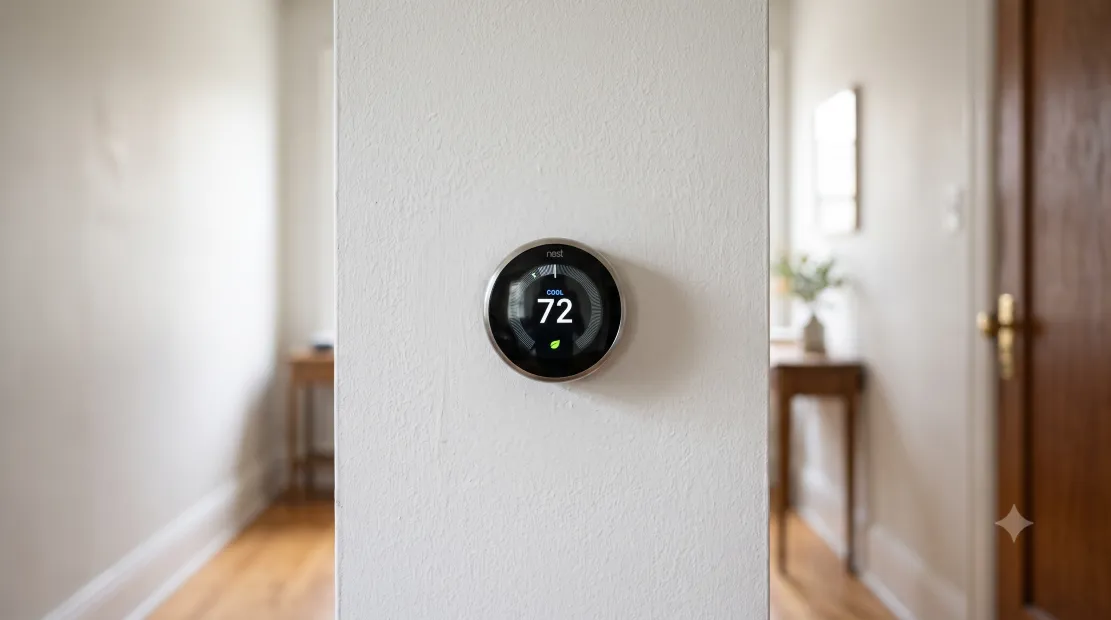
A smart thermostat delivers meaningful energy savings but requires more setup than plug-and-play devices.
5. Video Doorbell: Security With Immediate Value
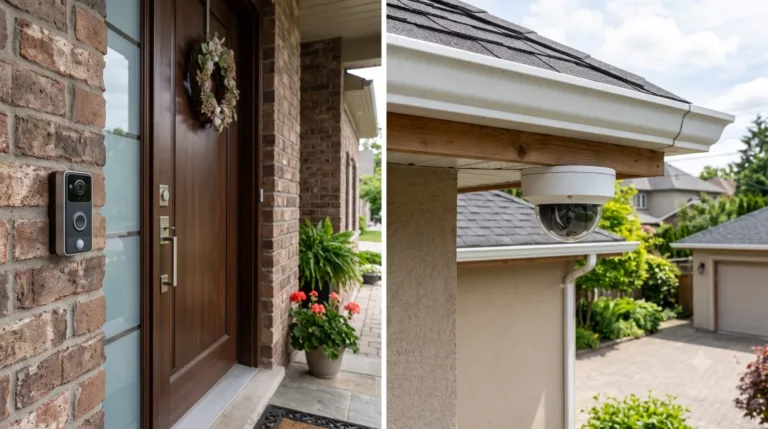
A video doorbell is one of the most popular “next step” purchases after the basics, since it delivers immediate, tangible value — seeing who’s at the door remotely, getting package delivery alerts, and having a recorded history of visitors. Installation ranges from a simple retrofit over existing doorbell wiring to a battery-powered model requiring no wiring at all, making it accessible even for renters or anyone hesitant to modify their home’s electrical setup in any permanent way.
| Device | Typical Cost | Installation Effort | Why Start Here |
|---|---|---|---|
| Smart speaker/display | $30 – $100 | None | Central hub, immediate standalone value |
| Smart plug | $10 – $25 each | None | Cheapest, fastest automation win |
| Smart bulb | $10 – $30 each | None | Lighting control without rewiring |
| Smart thermostat | $100 – $250 | Moderate (HVAC wiring) | Meaningful energy savings and scheduling |
| Video doorbell | $60 – $200 | Low to moderate | Immediate security and delivery value |
Privacy and Security Basics Worth Knowing Early
Before adding devices with cameras or microphones — smart speakers, video doorbells, security cameras — it’s worth spending a few minutes on basic account security: enabling two-factor authentication on your smart home account, using a unique password rather than reusing one from another service, and reviewing each device’s default privacy settings rather than accepting whatever is pre-selected. This takes only a few minutes per device but meaningfully reduces the risk of an account compromise giving someone unwanted access to cameras or microphones in your home, a risk that grows as you add more connected devices over time.
Home WiFi: The Foundation Everything Depends On
Every smart home device in this guide depends on a stable home WiFi connection, and a weak or overloaded network is one of the most common sources of frustration for beginners — devices that respond slowly, drop offline randomly, or fail to reconnect after a router restart. Before adding many devices, it’s worth confirming your router can handle the additional connected devices without strain, and considering a mesh WiFi system if your home has weak coverage in certain rooms, since a smart plug or bulb with a poor WiFi signal will feel unreliable regardless of how good the device itself is.
What to Skip Until You’re More Experienced
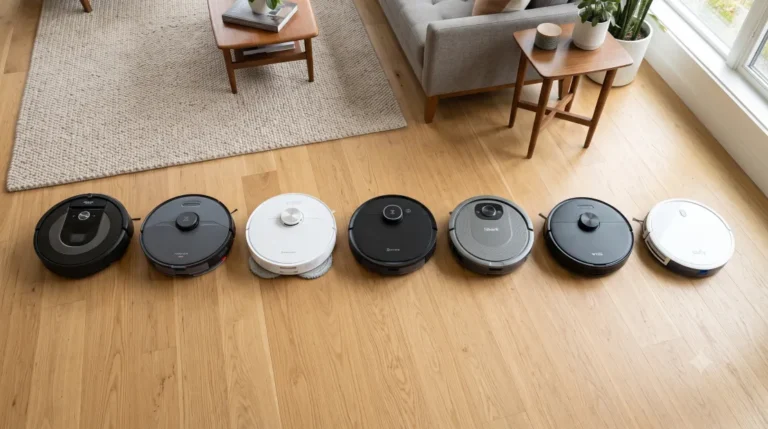
Some smart home categories are better saved for after you’ve built confidence with the basics. Robot vacuums, while genuinely useful, represent a larger investment better made once you’re sure you’ll actually use and maintain a smart home routine rather than letting devices go unused after initial novelty wears off. Whole-home battery backup and solar-connected systems are significant financial commitments entirely separate from the “beginner smart home” category and deserve their own dedicated research rather than being lumped in with a starter kit. Complex automation routines involving many devices triggering each other are also best explored after you’re comfortable with basic single-device control, since debugging a complicated automation with little platform experience can be frustrating rather than rewarding.
Avoiding the Multi-Ecosystem Trap
The single most common beginner mistake is buying devices piecemeal without checking ecosystem compatibility, ending up with a smart speaker from one company, a thermostat that only fully integrates with another, and a video doorbell with its own separate app that doesn’t talk to either. This fragmentation defeats much of the convenience smart homes are supposed to provide — instead of one unified app and voice control system, you end up juggling three or four separate apps for different devices. Checking explicit compatibility with your chosen ecosystem before each purchase, rather than assuming “smart” automatically means “compatible with everything,” avoids this common and frustrating pitfall that many beginners run into during their first few months of building out a system.
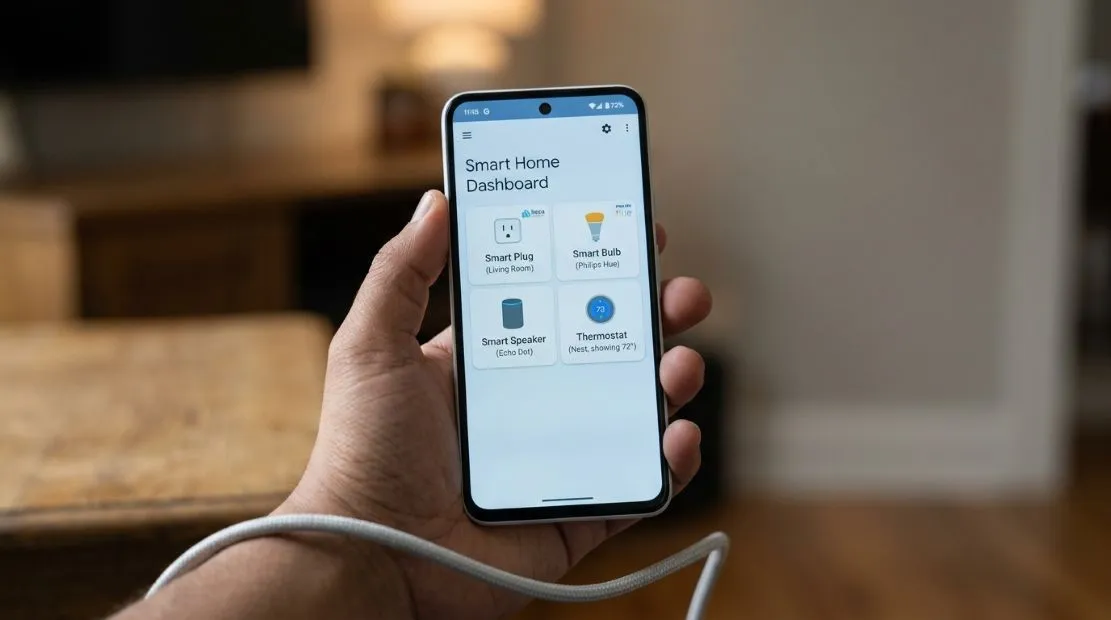
A unified app controlling multiple devices is the real payoff of choosing one consistent ecosystem.
Setting Up Your First Automation
Once you have two or three devices installed, it’s worth setting up one simple automation rather than only using manual voice or app control — for example, having lights turn on automatically at sunset, or a smart plug turn off automatically at a set bedtime. Starting with one simple, genuinely useful automation rather than building out a complex web of triggers helps you learn how your platform’s automation system works without the frustration of debugging something overly ambitious on day one.
Budgeting for a Sensible Starter Kit
A reasonable beginner budget of $150-$300 covers a smart speaker or display, three to four smart plugs, and a couple of smart bulbs for your most-used rooms — enough to genuinely experience the convenience smart home devices offer without overcommitting before you know how much you’ll actually use the system day to day. From there, a smart thermostat or video doorbell as a second-phase purchase, once you’ve confirmed you’re actually using and enjoying the basics, is a more informed decision than buying everything at once from the start.
The Bottom Line
The best smart home setup for beginners isn’t the most expensive or feature-complete one — it’s the one that starts small, stays within a single ecosystem, and builds up gradually based on which devices you actually find yourself using regularly. A smart speaker, a few plugs, and some bulbs deliver real everyday value for a modest investment, and everything else — thermostats, doorbells, robot vacuums, whole-home systems — can be added later once you’ve confirmed the basics have genuinely earned a place in your daily routine rather than becoming another gadget that sits unused after the initial novelty fades.
Frequently Asked Questions
What is the best first smart home device to buy?
A smart speaker or display is generally the best starting point, since it establishes your ecosystem choice, serves as a control hub for future devices, and provides immediate standalone value through voice assistant features even before adding anything else.
Which smart home ecosystem should beginners choose?
It depends on your existing devices — iPhone households often do well with Apple HomeKit, Android and Google users with Google Home, while Amazon Alexa offers the widest third-party device compatibility as a safe default if you have no strong existing preference.
Do smart bulbs work if the wall switch is turned off?
No, a smart bulb loses power entirely if the physical wall switch controlling that fixture is turned off, which also disables its smart functionality until the switch is turned back on manually.
How much should a beginner budget for a smart home starter kit?
A reasonable starting budget is $150-$300, covering a smart speaker, several smart plugs, and a couple of smart bulbs — enough to experience genuine everyday convenience without overcommitting before confirming how much you’ll actually use the devices.
Should beginners buy devices from multiple different brands?
It’s best to check ecosystem compatibility carefully before each purchase rather than assuming any “smart” device works with any other. Mixing incompatible brands across different ecosystems is the most common beginner mistake and leads to needing multiple separate apps instead of one unified control system.
ADeeL A.M
ADeeL A.M is a home energy and clean solar power writer with a deep passion for the electrified home. He spends his days researching solar panels, battery backup systems, EV chargers, portable power stations, and smart energy solutions — comparing specs, efficiency ratings, and real-world performance to bring readers the newest, most reliable, and best-value options on the market.
View all articles by ADeeL A.M →